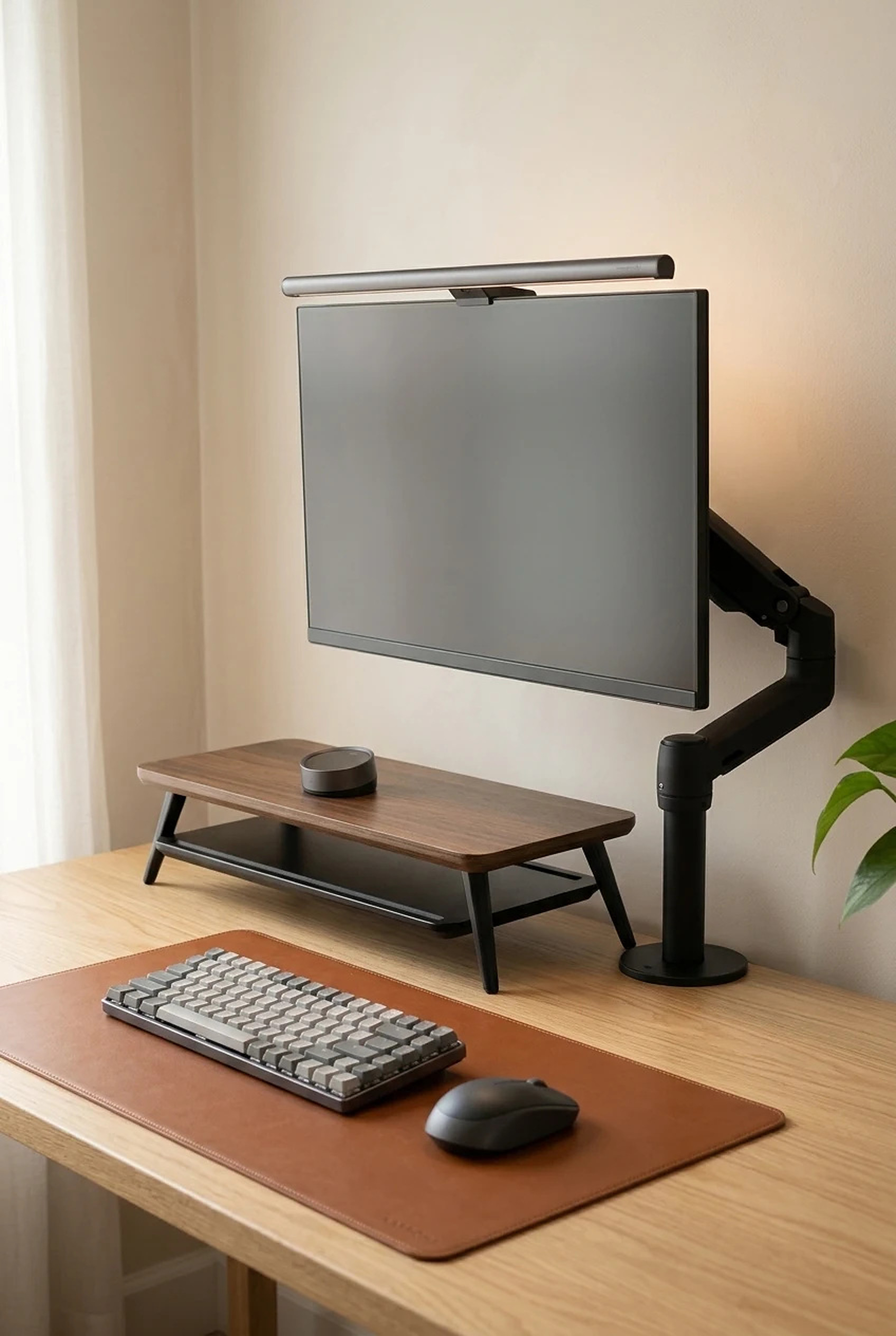
Small Laptop Desk Setup (Under 40"): 5 Space-Saving Upgrades & Fit Checklist
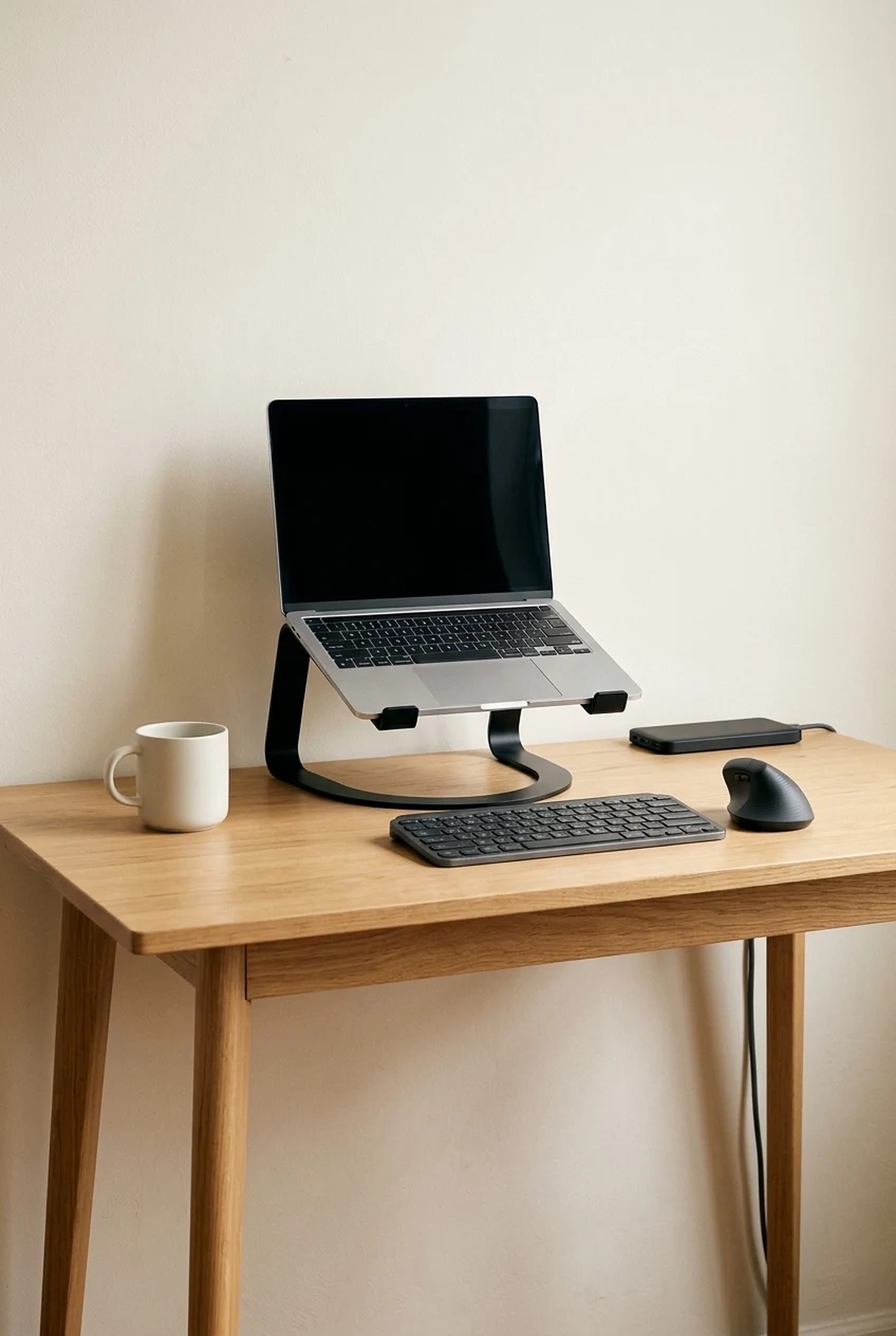
Working off a laptop on a 32-to-40-inch apartment desk creates two fast bottlenecks: hunching down at a low screen all day, and running out of surface width the moment you add a keyboard, mouse, and power brick.
This guide is built from official manufacturer spec sheets and live US retailer listings rather than hands-on lab testing. Every pick below includes an official brand product video so you can inspect the real product, exact footprint and power limits, and clear reasons to skip it if it does not fit your desk.
Measure these 4 things first
- Usable desk width and depth: on desks under 40 inches wide or 20 inches deep, a full-size 17-inch keyboard crowds your mouse. Check that 8.7 inches of stand depth plus 5.2 inches of compact keyboard depth still leaves comfortable wrist room.
- Rear desk edge thickness and back clearance: clamp-on cable trays like the VIVO DESK-CM6L-B need 0.2 to 2 inches of clear edge thickness and no flush rear modesty panel blocking the two C-clamps.
- Your hand size and handedness: vertical ergonomic mice are size-specific. The Logitech Lift is built for small-to-medium hands, and the right-handed and left-handed versions are separate models.
- Laptop width, weight, and charging wattage: verify your laptop is at least 10.2 inches wide and under 7 lbs for the stand, and check whether your AC accessories stay under the charging station's 1,000W AC ceiling.
If you only buy one piece, start here
- Laptop screen sitting too low on a laptop-only deskStart with the Twelve South Curve laptop stand paired with a compact external keyboard (raising the screen without an external keyboard makes typing awkward).
- Full-size keyboard eating all your mouse room on a 32–36" deskStart with the Logitech MX Keys Mini. At 11.65 inches wide, it immediately frees several inches of horizontal workspace.
- Laptop power brick and tangled cords crowding a rental desk you cannot drillStart with the VIVO DESK-CM6L-B clamp-on cable tray (zero screws) or the slim Anker Prime 6-in-1 desktop charging station.
- Flat mouse feeling awkward or tight in narrow desk spaceStart with the Logitech Lift Vertical Mouse, provided you have small-to-medium hands.
Fit check at a glance
You do not need all 5 items. Check compatibility and mounting overlap before buying.
| Item | Solves | Dimensions | Mounting | Key limit |
|---|---|---|---|---|
| Twelve South Curve | Eye-level screen & airflow | 10.3 W x 8.7 D x 5.8 H in | Freestanding (anti-slip pads) | Laptops >= 10.2" wide · 7 lb max |
| Logitech MX Keys Mini | Saving width on <40" desks | 11.65 x 5.20 x 0.83 in | Flat desktop (wireless) | Bluetooth LE · Logi Bolt sold separately |
| Logitech Lift Mouse | 57-degree grip (small/med hands) | 4.25 x 2.76 x 2.80 in | Desktop mouse (wireless) | Small-to-medium right hands · 1x AA battery |
| Anker Prime 6-in-1 (140W) | Single-block laptop & desk power | 6.3 x 3.1 x 0.7 in | Freestanding · 5 ft flat-plug cord | 140W USB max · 1,000W AC ceiling |
| VIVO DESK-CM6L-B Clamp Tray | No-drill renter cord cleanup | 17 x 6 x 5.8 in (8.8" drop) | Dual C-clamps (no drill · 0.2–2") | 11 lb max · clear 2" rear edge |
Twelve South Curve Desktop Laptop Stand (Matte Black)
A minimalist one-piece bent aluminum stand (5.8 inches tall, listed as raising laptops 6 inches / 15 cm toward eye level) that leaves 70% of the laptop base open for airflow and frees space underneath for a compact keyboard.
Verified specs and fit
- Compact 10.3 W x 8.7 D x 5.8 H in footprint raises your laptop screen about 6 inches (15 cm) off the desk
- Open dual-arm aluminum design exposes 70% of the laptop underside for passive cooling
- Anti-slip silicone arm and base padding protects aluminum chassis and desk finishes
Check before ordering
- Fixed height only; requires an external keyboard and mouse for comfortable daily typing
- Verify your laptop width is at least 10.2 inches and weight is under 7 lbs (3.17 kg)
Logitech MX Keys Mini Minimalist Wireless Illuminated Keyboard (Graphite)
A low-profile tenkeyless wireless keyboard measuring just 11.65 x 5.20 inches, pairing smart proximity-activated backlighting and Easy-Switch across up to three Bluetooth devices in a footprint sized for narrow desks.
Verified specs and fit
- Compact 295.99 x 131.95 x 20.97 mm (11.65 x 5.20 x 0.83 in) footprint leaves generous room for a mouse on sub-40-inch desks
- Manufacturer-rated battery life up to 10 days with backlighting on, or up to 5 months with backlighting off (USB-C rechargeable)
- Pairs with up to 3 devices via Bluetooth Low Energy across Windows, macOS, Linux, Chrome OS, iPadOS, and Android
Check before ordering
- No Logi Bolt USB receiver is included in the standard retail box; it connects over Bluetooth unless you buy or already own a Logi Bolt dongle
- Not compatible with older Logitech Unifying USB receivers
Logitech Lift Vertical Ergonomic Wireless Mouse (Graphite, Right-Handed)
Positions your hand at a 57-degree handshake grip angle instead of flat on the desk, combining whisper-quiet clicks, a dual-mode SmartWheel, Bluetooth, and an included Logi Bolt USB receiver in a compact 125 g shell.
Verified specs and fit
- Specifically sculpted for small-to-medium hands at 108 x 70 x 71 mm (4.25 x 2.76 x 2.80 in) and 125 g
- Includes both Bluetooth Low Energy and a Logi Bolt USB receiver in the box
- Runs up to 24 months on a single included AA battery with 400–4000 DPI optical tracking
Check before ordering
- This listing is the Right-Handed Graphite model; verify orientation before ordering
- Uses a replaceable AA battery rather than a built-in USB-C rechargeable cell
Anker Prime 6-in-1 Charging Station (140W, Model A9128)
Replaces bulky laptop bricks and loose chargers with a 0.7-inch-thin desktop block offering 2 AC outlets, 2 USB-C PD 3.1 ports (up to 140W single-port / 140W shared), 2 USB-A ports, a live wattage display, and a detachable 5-foot flat-plug cord.
Verified specs and fit
- Ultra-slim 6.3 x 3.1 x 0.7 in profile sits neatly at a desk corner without dominating a small tabletop
- Delivers up to 140W USB-C PD 3.1 to power demanding laptops plus phones and accessories from one cord
- Detachable 5 ft (1.5 m) cord ends in a flat wall plug that clears desks pushed tight against apartment walls
Check before ordering
- AC outlets are rated for 125V AC / 10A with a 1,000W max total AC output; not for space heaters or other high-draw appliances
- Power charging only; does not transfer display signals or USB data
VIVO 17-Inch Clamp-On Under-Desk Cable Management Tray (DESK-CM6L-B)
Clamps onto the back edge of a desk with zero drilling, hiding power strips, excess cord slack, and bricks behind a closed steel backplate while keeping the front open for airflow and easy plug access.
Verified specs and fit
- Tool-less dual C-clamps fit desktops from 0.2 to 2 inches thick with zero screw holes, making it ideal for rental apartments
- 17 x 6 x 5.8-inch steel tray holds up to 11 lbs, sized cleanly for desks under 40 inches wide
- Closed rear panel conceals cords from across the room while the open front maintains airflow
Check before ordering
- Extends 8.8 inches below the tabletop once installed; check knee clearance on very shallow desks
- Verify there is no rear apron rail or modesty panel blocking the two C-clamp jaws
Layout and overlap notes
- Keyboard tuck trick: the Twelve South Curve leaves clean open space beneath the elevated laptop, so you can slide the 11.65-inch MX Keys Mini out of the way whenever you want to sketch or write on paper.
- Receiver efficiency: because the Logitech Lift includes a Logi Bolt USB receiver and the MX Keys Mini is Logi Bolt compatible, you can pair both to a single receiver if your laptop has limited USB ports (or run both over Bluetooth for zero dongles).
- Keep the tabletop to one power cord: set the slim Anker Prime 6-in-1 at the back corner and coil any extra slack or secondary adapters inside the clamp-on VIVO tray underneath.